Ace Any Interviewor Exam with AI
Real-time AI assistant that listens to questions and instantly streams professional answers — for tech interviews, oral exams and university tests.
class CacheManager {
  fun trimMemory(level: Int) { … }
}Built for serious interviews & exams
Every tool from the desktop app — explained. Works for tech interviews, HR rounds, oral exams and university tests.
Real-time AI answers
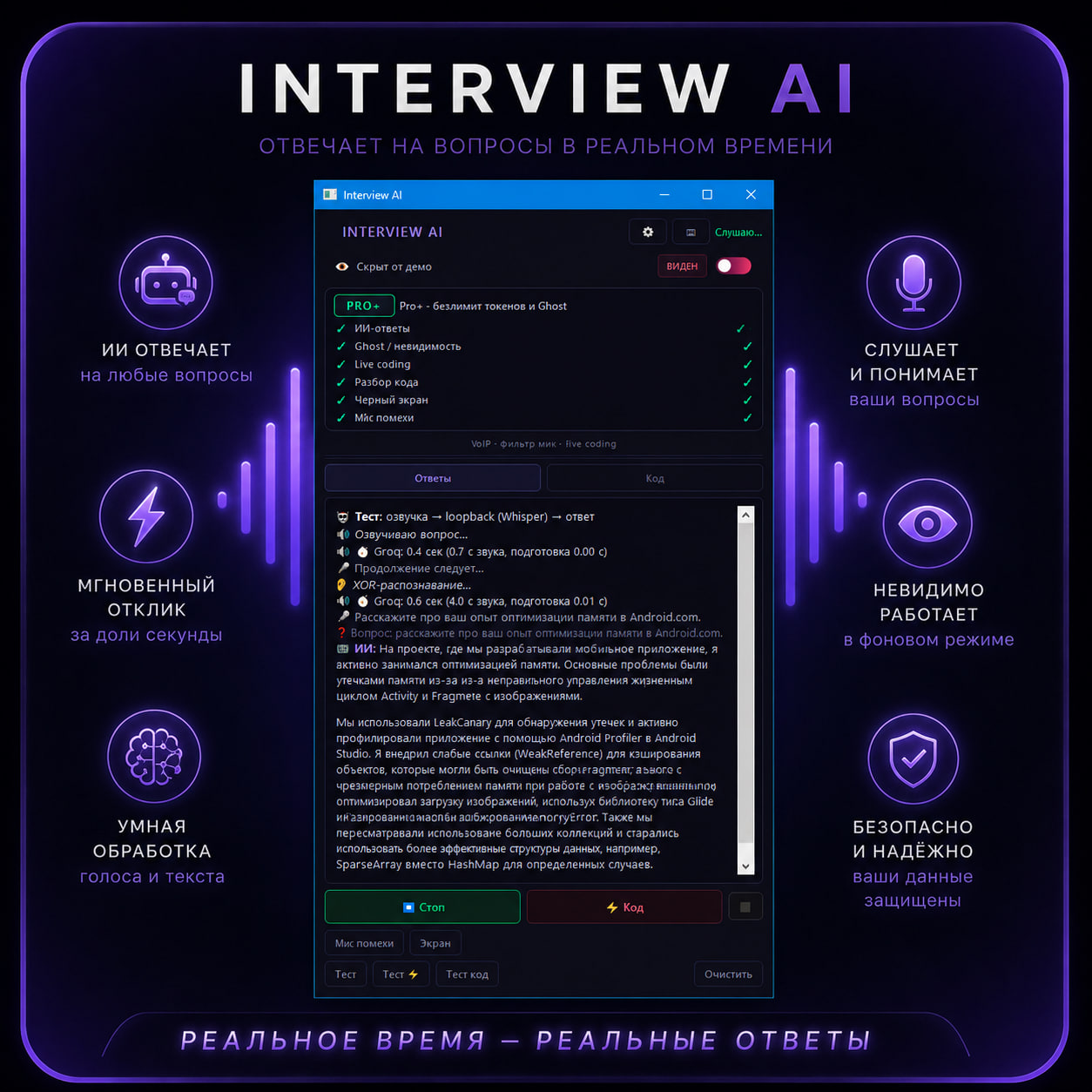
Listens to the interviewer via loopback and streams a senior-level answer on screen in ~2–3 seconds after ~1s speech recognition.
Ghost mode
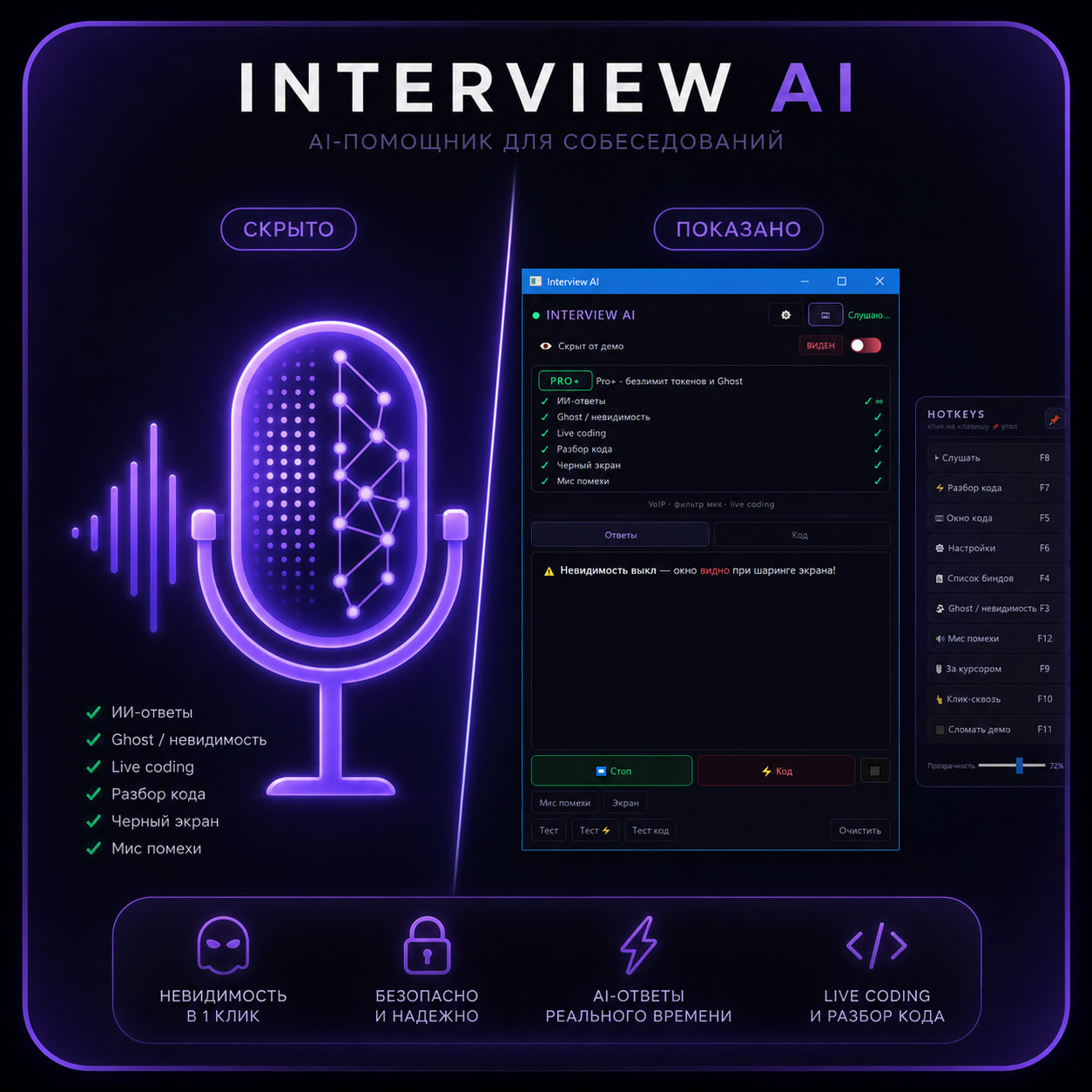
Window is invisible in Zoom, Teams, Google Meet and OBS screen share. Interviewer sees only your desktop — not the copilot.
Live coding
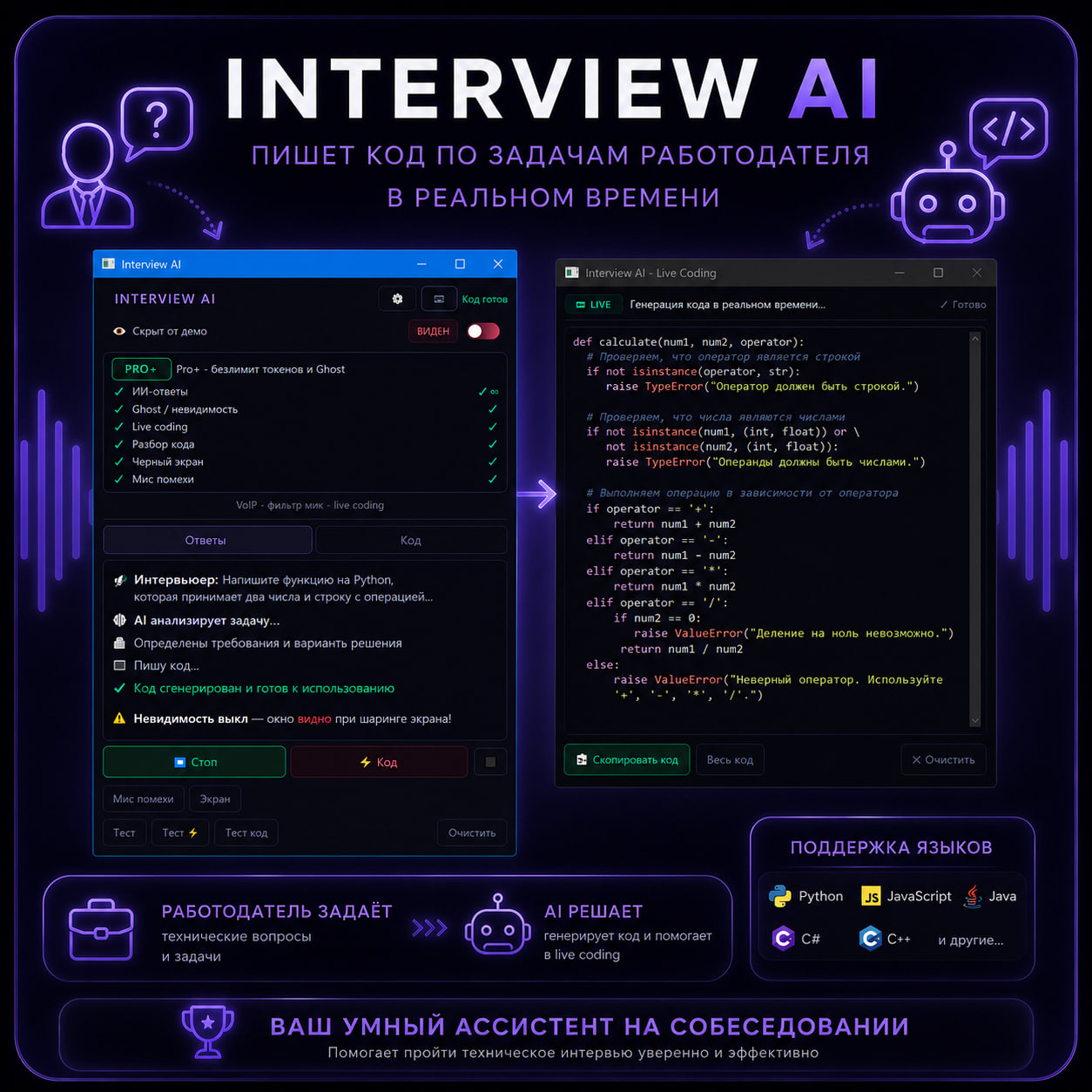
Say the task out loud — a dedicated window opens with syntax-highlighted code. Ask to add a function and it edits the existing code, not from scratch.
Instant code analysis
Paste or speak code — AI explains logic, finds bugs and suggests fixes. Perfect for «walk me through this code» rounds.
Emergency black screen
One click — viewers see a «broken» screen share while you keep working normally. Extra layer when sharing gets risky.
Mic interference
Soft noise on the microphone lowers the chance the interviewer hears hint audio leaking from your headphones.
Groq STT ~1 second
Ultra-fast speech-to-text via Groq. Question detected → AI starts streaming almost immediately.
50+ languages
English, German, Russian and more — recognition and answers adapt automatically to the interview language.
Zoom · Teams · Meet · Discord
Works with any platform that plays interviewer audio through your speakers or headphones.
Session memory
AI remembers context within the interview — follow-up questions get coherent answers, not generic ones.
Global hotkeys
Listen, ghost, live coding and emergency screen — all from keyboard shortcuts without alt-tabbing.
Stealth process
Disguised window title in the taskbar. Settings, code and bind overlays stay hidden from capture.
Exam mode
Switch preset to Exam in Settings — AI responds like a student: formulas, definitions, dates, theory. Works for any subject.
How It Works
Five steps from install to offer letter.
Install Interview AI
Download setup, enter your key, done in 2 minutes.
Start your interview
Join Zoom, Teams or Google Meet as usual.
AI listens to questions
Loopback captures interviewer audio automatically.
Receive instant answers
Professional responses stream in real time.
Get hired
Answer confidently — like you've done it a hundred times.
See it in action
Premium interface — built for speed and stealth.
Choose your tier
Start free with 9 answers. Upgrade to Pro for ghost mode and live coding — or Pro+ for unlimited AI.
Free
Test the copilot before your next interview
0
forever
- ✓9 AI answers included
- ✓Real-time STT ~1 sec
- ✓50+ languages
- ✓Zoom · Teams · Meet
- ✓Session memory
- ✕Ghost mode
- ✕Live coding
- ✕Code analysis
- ✕Black screen
- ✕Mic interference
Pro
Full stealth toolkit for real interviews
~550 ₽
300 ⭐ / 30 days
30 days · Pay with Telegram Stars in the bot
- ✓Everything in Free
- ✓Ghost mode — invisible on share
- ✓Live coding + voice edits
- ✓Instant code analysis
- ✓Emergency black screen
- ✓Mic interference
- ✓~100 AI answers / month
- ✓Global hotkeys & stealth UI
Pro+
Unlimited AI for heavy interview loops
~1100 ₽
600 ⭐ / 30 days
30 days · Pay with Telegram Stars in the bot
- ✓Everything in Pro
- ✓Unlimited AI tokens
- ✓No monthly answer cap
- ✓Priority for power users
- ✓Same ghost & live coding stack
Compare plans
| Free | Pro | Pro+ | |
|---|---|---|---|
| AI answers | 9 total | ~100 / mo | Unlimited |
| Speech recognition | ✓ | ✓ | ✓ |
| 50+ languages | ✓ | ✓ | ✓ |
| Exam / university mode | ✓ | ✓ | ✓ |
| Ghost mode | — | ✓ | ✓ |
| Live coding | — | ✓ | ✓ |
| Code analysis | — | ✓ | ✓ |
| Black screen | — | ✓ | ✓ |
| Mic interference | — | ✓ | ✓ |
| Hotkeys & stealth | — | ✓ | ✓ |
Key is bound to one PC (HWID). Subscription time runs on the server — reinstalling does not reset your plan.